On your iPhone
Download for iPhone ↗
One app for your everyday routine
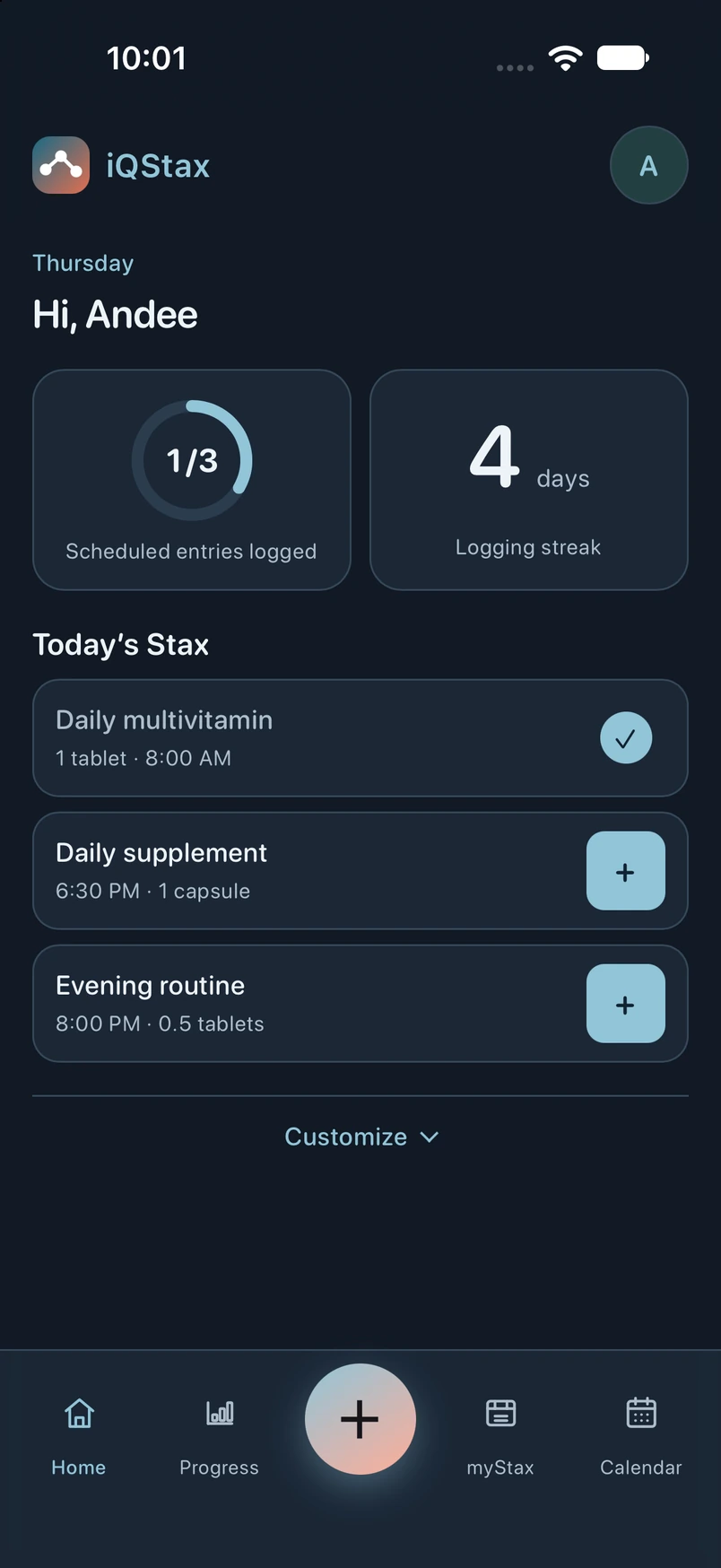
Track medication and supplement doses, inventory, reminders, and progress in one customizable app.
Free to download. 14-day trial for eligible new subscribers. Store confirmation and automatic renewal apply. See pricing.
Now available for Apple Watch · Paired iPhone required.
Try a fictional routine. No signup needed.
Illustrative sample data. Try Detailed for preparation records and phased schedules. This simplified demo varies from the app by version and platform. See actual app screenshots ↓
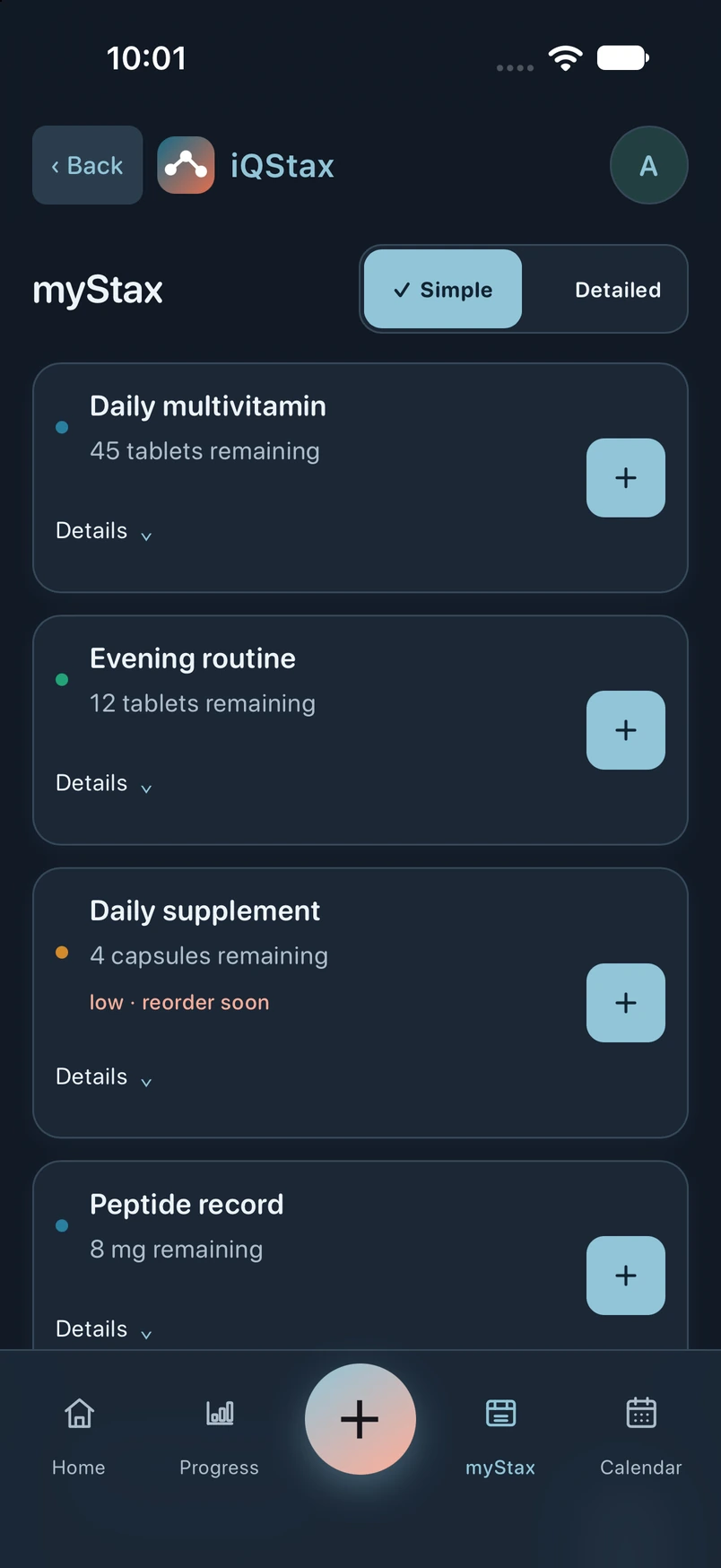
From daily medications to creams and custom items—keep your routine together.
Save amounts, dates, notes, and supported body or face locations.
Set dose reminders and a low-stock threshold. Repeat alerts are optional.
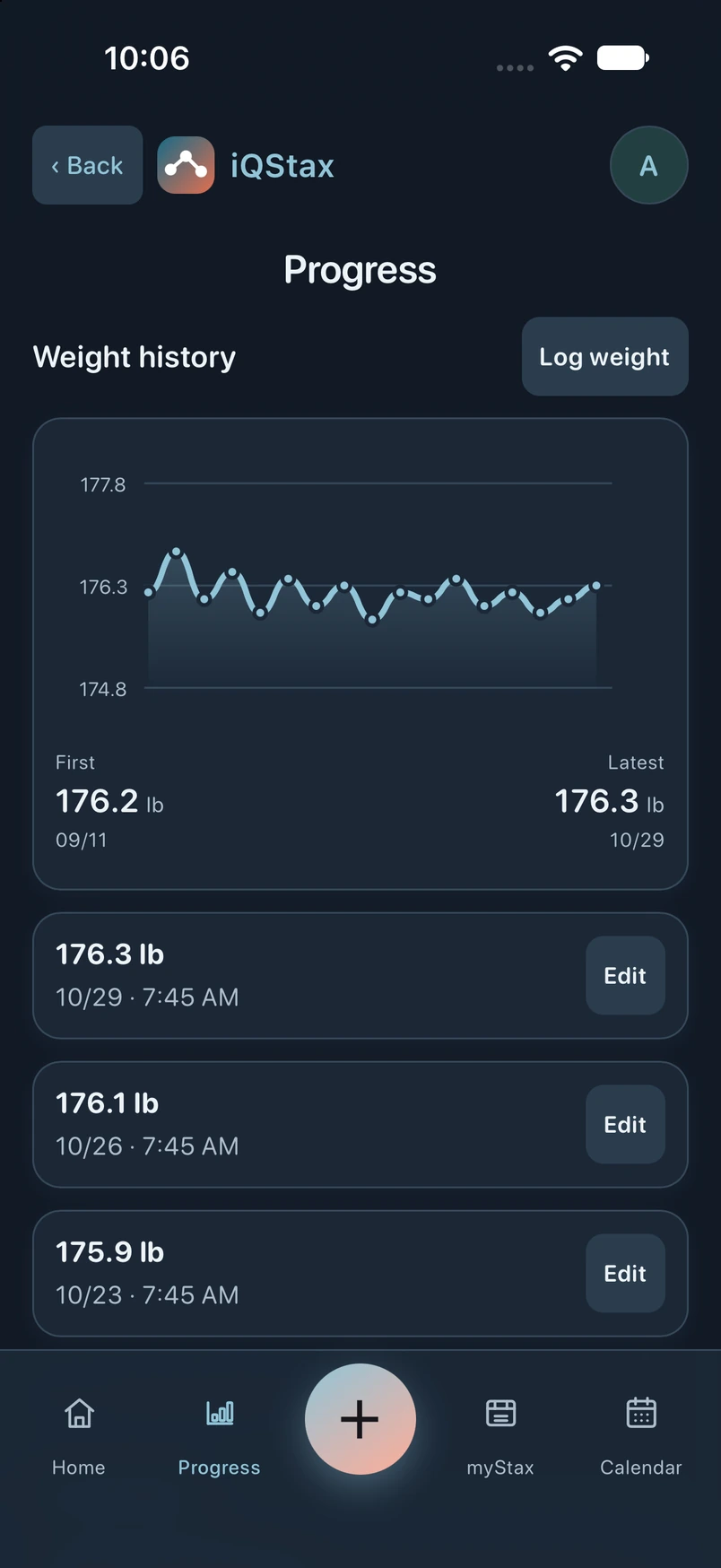
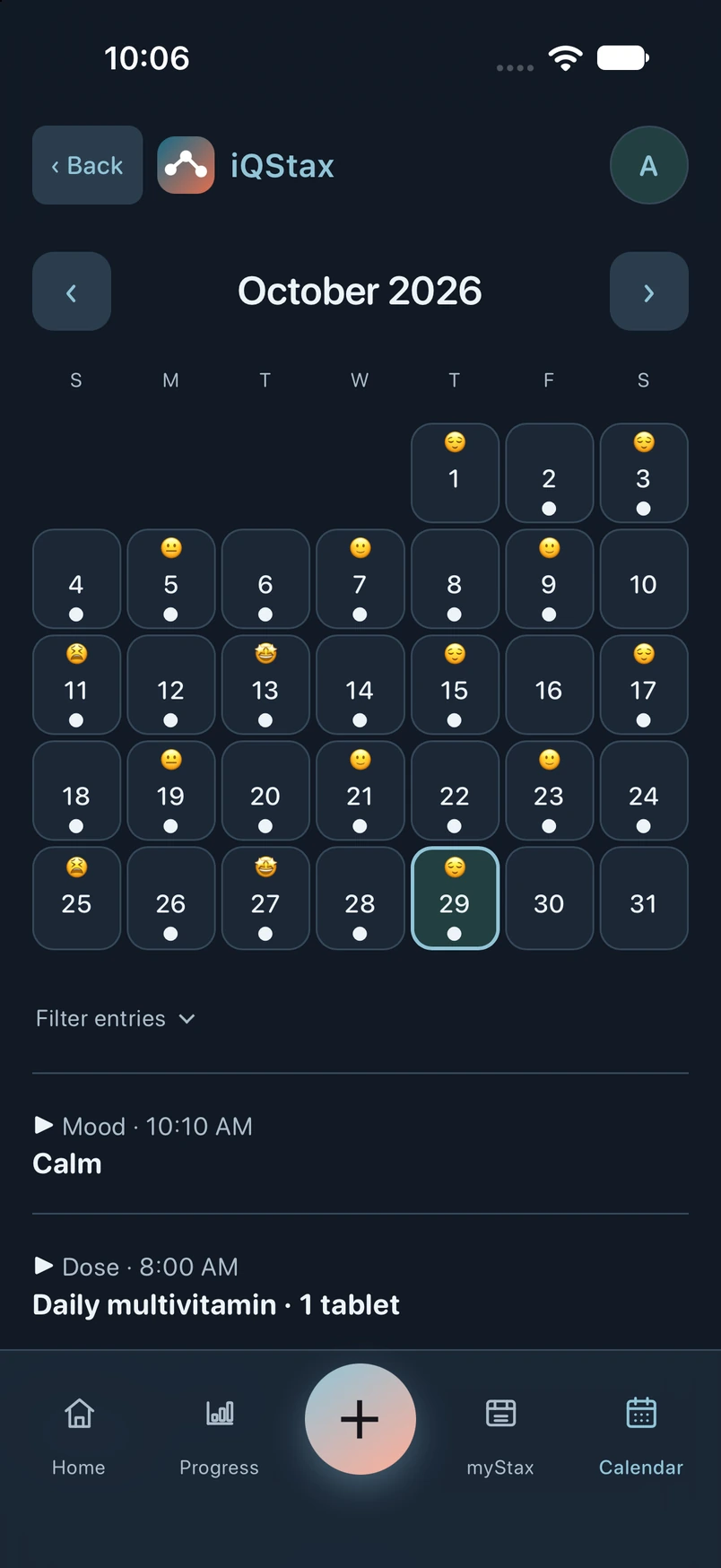
Review Calendar records and add weight, mood, or local photos to Progress.
Keep logging Simple, or choose Detailed for extra fields. Customize sections and themes.
Reminders require device support and permissions. Missed-dose markers reflect unlogged scheduled doses. Inventory uses your records and compatible units; no orders are placed automatically.
Turn them on in Profile → Reminders. Alerts repeat every 15 minutes for up to four hours, ending before the next scheduled occurrence. Saving the dose or choosing the stop action ends that occurrence’s alerts. Opening a notification does not log a dose. Delivery depends on device settings and permissions; reopen the app to refresh queued alerts.
Record the plan supplied by your clinician and preparation details from your pharmacist or label. Features and fields vary by item, platform, and installed version.
Examples include Foundayo, Wegovy, Ozempic, and tirzepatide (Mounjaro or Zepbound).
Retatrutide (“Reta”) is an example you can record. It is an investigational GLP-1 / GIP / glucagon triple agonist, not an approved medication. “GLP-3” is an informal nickname, not a scientific drug class. About retatrutide ↗
Examples include Gattex (teduglutide), Contrave, and Qsymia. GLP-2 is a separate category: Gattex is used for short bowel syndrome, not weight loss. About Gattex ↗
Examples include testosterone cypionate, testosterone gel, and birth control pills. Record details from your own prescribed routine.
KLOW blend and GHK-Cu are examples of names in the tracker. A catalog listing is for recordkeeping; it does not establish a product’s approval, safety, or effectiveness.
Log vitamins, supplements, creams, gels, and more. Add your own name and keep schedules, notes, and inventory details where the available fields fit your item.
Birth control logging does not predict fertility, assess contraceptive protection, or provide missed-dose instructions. Follow your clinician and product instructions.
Examples are records, not recommendations. iQStax does not prescribe, sell, or endorse products or doses. Fields and units vary by item.
Illustrative sample data. Tap the image to enlarge.
Native captures of the released iPhone 1.3.2 interface on an iPhone 18 Pro simulator running iOS 27, taken October 29, 2026. A separate fictional Andee profile contains seven weeks of records. Weight history is enabled and moved first through Customize. The Watch visual shows the released companion on a paired Apple Watch Series 12 (46 mm) simulator running watchOS 27. Android appearance and device controls may differ. Sample progress is not a promised health outcome.
Both plans include the same tracking features. Confirm your plan with Apple or Google Play. It automatically renews after the trial unless canceled.
Visiting this website does not start a subscription.
Apple or Google Play shows your current local price, trial eligibility, billing, and renewal terms before you confirm. Without an eligible trial, payment is charged at confirmation. Cancel an Apple trial at least 24 hours before it ends, or a Google Play trial before it ends, to avoid the first charge. Manage or cancel through the store where you subscribed. After access ends, you can still read, edit, delete, back up, and restore saved records; adding new tracking entries requires an active trial or subscription.
Free to download. Eligible 14-day trial, then your selected subscription renews automatically. Prices & terms.
Tracking starts on your device. Current iPhone and Android releases offer optional records-only cloud backup after email verification and express storage consent, with authorized support access. Photos stay local. Keep your own backup; deleting app data can remove local records.
Account verification, cloud storage/support access, and marketing emails are separate choices. Local tracking needs no online account. Withdraw cloud consent or delete the online account in Account & privacy choices; signing out alone does not remove cloud records.
Yes. The Apple Watch companion is available now. Log doses, weight, mood, and symptoms from your wrist, and check schedules, recent entries, and inventory.
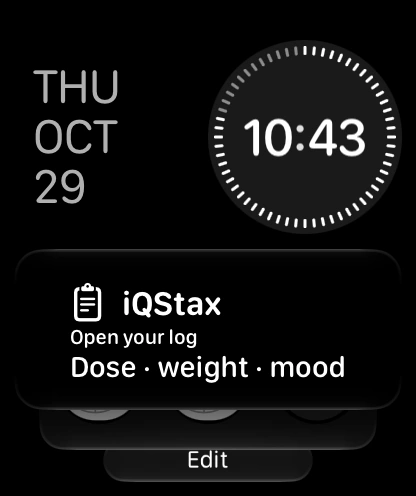
Requires watchOS 10 or later and a paired iPhone with iQStax. Open the iPhone app to set up your items, check subscription access, refresh Watch data, and finish syncing pending entries. The Watch companion uses your iPhone subscription access.
Use the same official store listing to download or update. Choose Update when your store offers a newer version: Update for iPhone ↗ or Update for Android ↗.
Your store offers the latest public version available for your device and region. Test builds and updates still in review are not public downloads.
iQStax supports wellness recordkeeping, not treatment recommendations or dose-safety checks. It does not replace your clinician.
Consumer Health Data Privacy Policy · Your records, consent and privacy choices.
Email info@myiqstax.com, or use Profile → Send feedback to review and send an email draft.
Include your device and a brief issue description. Remove personal details from screenshots; don’t send passwords, payment details, or health records.
Operated by Two Three Ventures, LLC.