Medication dose tracking in IQSTAX
Keep a medication dose log you can review.
A record of what you logged
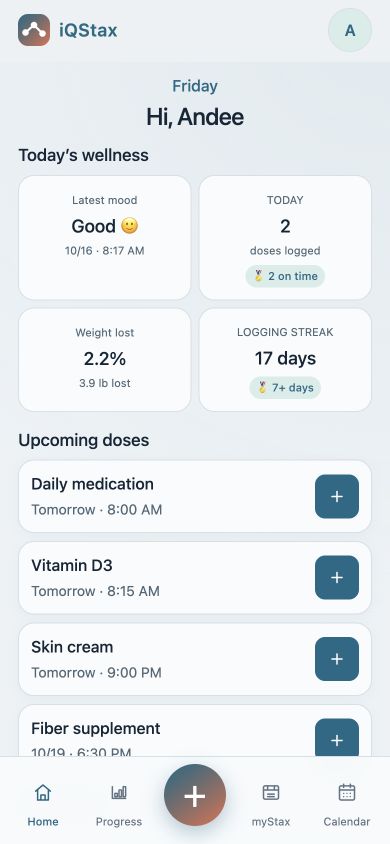
A planned dose and a saved dose are different records. IQSTAX brings upcoming items and your recorded history into the same app, helping you review what you entered without relying on memory.
Start with your own routine
Add the item you want to track, using a name you recognize. Enter the details appropriate to that item and your existing instructions. IQSTAX records your choices; it does not choose a treatment or dose for you.
Log and review
Open the item’s log control, check the amount and date, then save. Review your saved entry in history or Calendar. If you made a mistake, use the available edit controls and check the corrected record.
Keep the record useful
Use notes for context you want to remember. A missing log does not prove a dose was missed, and a saved entry does not independently confirm it was taken. Follow your clinician or product instructions for treatment questions.
Common questions
What belongs in a medication dose log?
Record the item name, amount, unit, date and time accurately. Add a short note when you need context. Keep separate items distinct so a similar name does not lead to a confusing record.
Is a reminder the same as a logged dose?
No. A reminder is a scheduled prompt. A dose log is a record you save. Review the history to see what was entered; neither an alert nor a digital record independently confirms that a medication was taken.
Explore IQSTAX
Try the website demo, or view current app details and subscription information in your store.
By the IQSTAX team · October 21, 2026. Recordkeeping guidance, not medical advice. Features and screens may vary by platform and version.